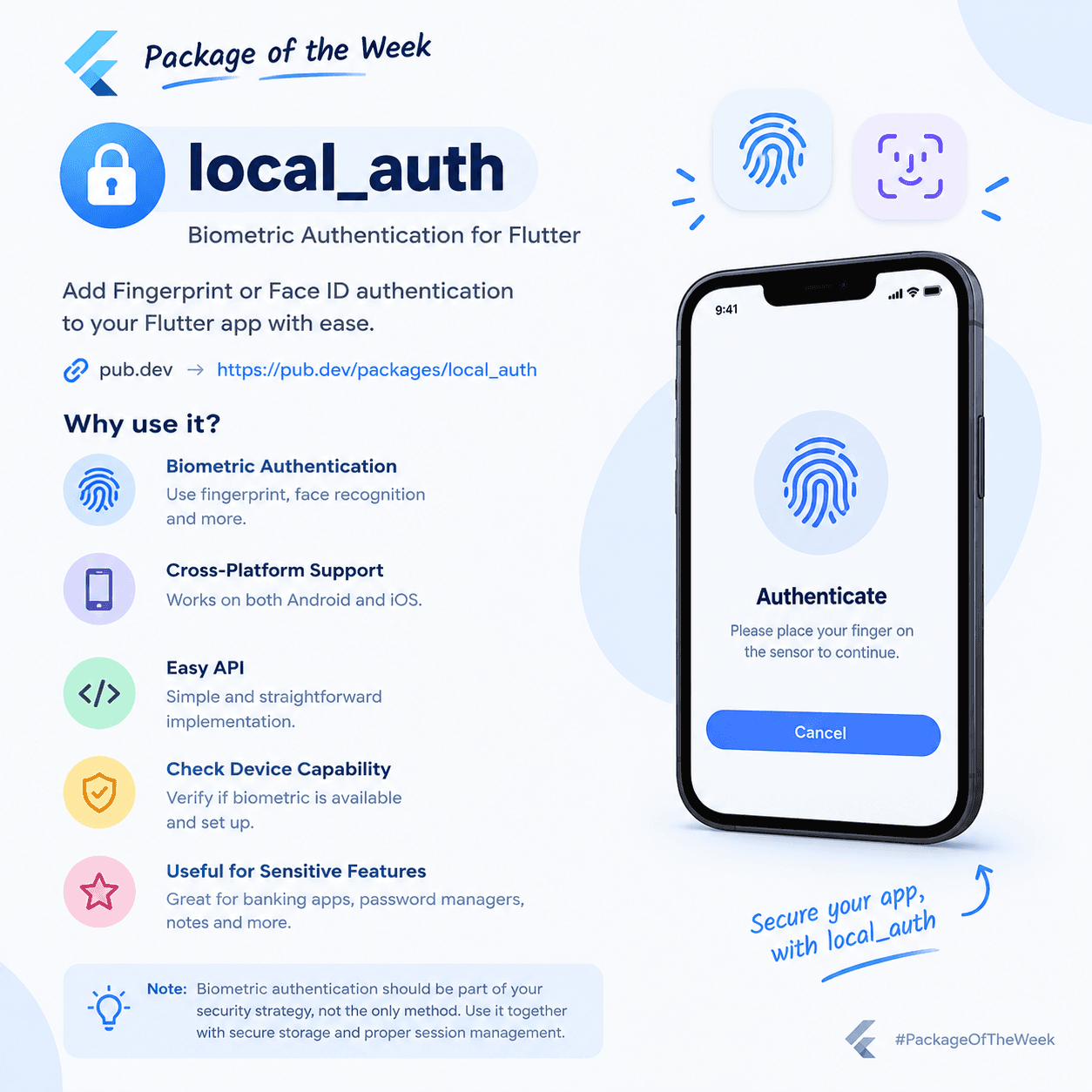
Mobile App တွေမှာ Login ဝင်ပြီးသား User တွေရဲ့ Sensitive Information တွေကို ထပ်ပြီး လုံခြုံအောင် ကာကွယ်ချင်တဲ့အခါ Fingerprint ဒါမှမဟုတ် Face ID လို Biometric Authentication တွေကို အသုံးပြုနိုင်ပါတယ်။
Flutter မှာ ဒီလို Biometric Authentication ထည့်သွင်းဖို့ အသုံးဝင်တဲ့ Package တစ်ခုကတော့ local_auth ပါ။
🔗 pub.dev: https://pub.dev/packages/local_auth
ဘာကြောင့် သုံးဖြစ်လဲဆိုတော့ –
• Biometric Authentication
Device မှာ ရရှိနိုင်တဲ့ Fingerprint, Face Recognition စတဲ့ Biometric Authentication တွေကို အသုံးပြုပြီး User ကို Verify လုပ်နိုင်ပါတယ်။
• Cross-Platform Support
Android နဲ့ iOS နှစ်ခုလုံးမှာ အသုံးပြုနိုင်တာကြောင့် Platform တစ်ခုချင်းစီအတွက် Native Biometric API တွေကို သီးသန့်ရေးစရာ မလိုတော့ပါဘူး။
• Check Device Capability
Device မှာ Biometric Authentication Support ရှိ/မရှိ၊ User က Biometric Setup လုပ်ထား/မထား စတာတွေကိုလည်း စစ်ဆေးနိုင်ပါတယ်။
• Useful for Sensitive Features
Banking App, Password Manager, Note App ဒါမှမဟုတ် Sensitive Information ပါတဲ့ App တွေမှာ Screen Lock လိုမျိုး ထပ်ဆင့် Authentication ထည့်တဲ့အခါ အသုံးဝင်ပါတယ်။
ဒါပေမယ့် Biometric Authentication ကို App ရဲ့ Password / Token အစား တိုက်ရိုက်သိမ်းဆည်းတဲ့ နည်းလမ်းအဖြစ် မယူဆသင့်ပါဘူး။ App Security Architecture ထဲမှာ Secure Storage, Session Management စတာတွေနဲ့ သင့်တော်အောင် တွဲဖက်အသုံးပြုသင့်ပါတယ်။
Flutter App ထဲမှာ Fingerprint / Face ID Authentication ထည့်ချင်တယ်ဆိုရင် local_auth က လေ့လာကြည့်သင့်တဲ့ Package တစ်ခုပါ။